Claude’s Gmail Integration Just Got a Major Upgrade
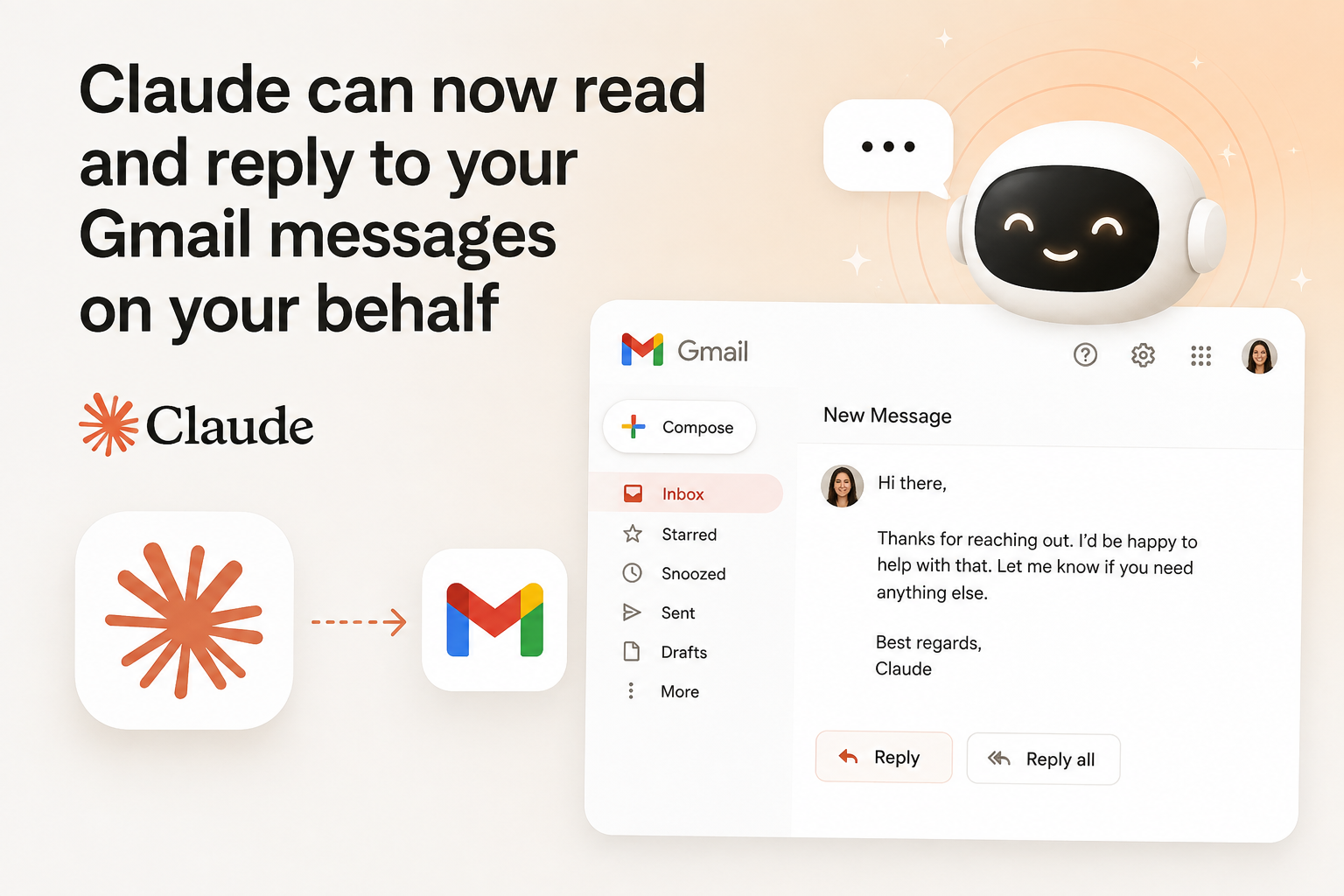
Anthropic has expanded Claude’s Gmail integration, moving it beyond simple email search and summarization into full inbox action. Claude can now draft, reply to, send, and forward emails on your behalf a capability that was previously missing from its Google Workspace connector. Until now, Claude could help you make sense of your inbox, but the final step of actually sending a message still had to be done manually.
That’s changed. Ask Claude to respond to an email thread, and it can now draft the reply and send it with you controlling exactly how much oversight you want in that process.
What the Gmail Connector Can Actually Do
Claude connects to Gmail through Anthropic’s official Google Workspace connector, which also covers Google Calendar and Google Drive. Once connected, you can ask Claude to:
- Find information across email threads — for example, asking what a client said about a revised project timeline
- Summarize recent communications — such as pulling together everything your marketing team sent this week
- Draft, reply to, and send messages — including nuanced requests like pushing back on a timeline while agreeing to a budget
- Forward emails with added context — sending a signed contract to your legal team along with a short summary of what changed
- Prepare for meetings — gathering relevant email threads ahead of time
- Track follow-ups — flagging emails from the past week that still need a response
When Claude answers a question using your email data, it also provides citations linking back to the original messages, so you can verify exactly where the information came from.
Approval Controls: You’re Still in the Driver’s Seat
The most important detail in this update is how sending is handled. By default, Claude asks for your approval before it sends, replies to, or forwards any email. Nothing goes out without you confirming it first, unless you deliberately change that setting.
On Team and Enterprise plans, organization owners can decide whether members are allowed to let these actions run without approval each time. This gives businesses flexibility to speed up high-volume, low-risk workflows while keeping tighter control over anything more sensitive.
Availability
The Gmail integration, including the new send, reply, and forward capabilities, is available on Claude’s paid plans Pro, Max, Team, and Enterprise. Google Workspace connectors more broadly (Gmail, Calendar, and Drive) are available to all users on Claude and Claude Desktop, though Team and Enterprise organizations need an Owner or Primary Owner to enable the connector before individual members can authenticate.
How to Set It Up
- Open Claude and go to Customize > Connectors.
- Find Gmail in the connector list and click Connect.
- Sign in to your Google account and grant the requested permissions.
- Start asking Claude questions or giving it instructions that involve your inbox — it automatically detects when email data is needed.
What the Integration Still Doesn’t Do
Despite the expanded capabilities, there are a few notable limits worth knowing before you rely on it heavily:
- No event-based triggers. Claude doesn’t watch your inbox in real time and react the moment a new email arrives. It only acts when you ask it to in a conversation, or when a scheduled task you’ve set up comes due.
- Attachment content isn’t accessible. Claude can see attachment metadata (like a file name), but it can’t read the actual contents of attached files.
- Single account support. The connector is generally built around working with one connected Google account at a time.
Should You Turn On Automatic Sending?
For most people, the safer approach is to keep the default approval prompt in place, at least at first. A sent email is much harder to walk back than an unsent draft, so it’s worth testing how closely Claude’s writing matches your tone and intent before loosening that control particularly for anything work-related where accuracy and phrasing matter. Once you’re comfortable with the quality of its drafts, you can decide whether to allow certain lower-stakes replies to go out without a manual check each time.
The Bigger Picture
This update reflects a broader shift in how Anthropic positions Claude from a conversational assistant that tells you what to do, toward an agent that can actually complete tasks for you. Combined with its existing Google Drive capabilities, Claude’s Google Workspace connector is increasingly aimed at handling real inbox and file management work, not just answering questions about it.
Learn more about our site archive2in.com
Contact us on our email id contactarchive2in@gmail.com
Read out our latest article on our Blog section
Leave a Reply
You must be logged in to post a comment.